Blender插件下载导入3DS MAX文件 Import Autodesk MAX V1.8.5
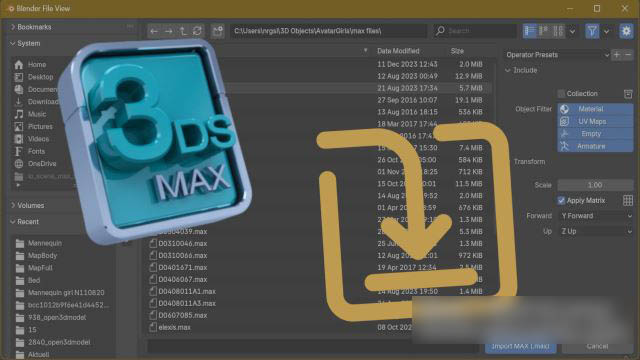
可直接导入 3ds Max 源文件至 Blender,兼容标准、V-Ray、Corona 等主流渲染器材质;支持基色、粗糙度、镜面强度、透明度及法线贴图通道。 仅识别外部链接纹理,所有贴图文件需存放于.max 文件同级目录或其子文件夹内。
Extension to import meshes, materials and texture coordinates from Autodesk .max files. Supported materials are Standard, Arch, V-Ray and Corona. Supported textures for base color, roughness, specular intensity, transparency and normalmap. Only linked textures are supported, they have to be in the same folder or in a subfolder of the .max file. Compressed or partially compressed files are only supported if the format is .zip and 3dsMax version is not newer than 2023.
支持的软件版本:
- 4.2或者更高版本
安装步骤:
- 在顶部菜单编辑(Edit)-偏好设置(Preference)-插件(Add-ons),右上角下拉,选择从磁盘安装,弹窗里选择对应ZIP安装
资源下载
下载价格免费
原文链接:https://www.blenderx.cn/5176.html,转载请注明出处。