Blender摄像机自动对焦插件 Autofocus Pro V0.0.9 + 使用教程
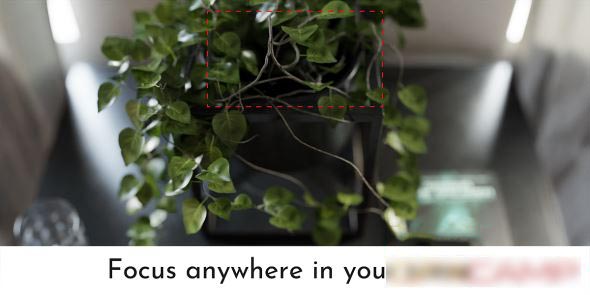
Autofocus Pro (previously known as aperture) makes it a breeze to add a depth of field to your scenes, by working like a real camera to automatically focus where you want, giving you more time to create beautiful animations.
Autofocus Pro(前身为 Aperture)能轻松为场景添加景深效果。该插件模拟真实相机运作逻辑,可自动对焦至目标区域,让你腾出更多时间制作精美动画。
术语注解
- depth of field:景深(相机 / 渲染核心视觉效果)
- aperture:光圈(原插件名称,摄影专业术语)
- makes it a breeze:操作轻而易举、轻松实现
支持的Blender版本:
- 4.4, 4.3, 4.2, 4.1, 4.0, 3.5, 3.4, 3.3, 3.2, 3.0, 2.93, 2.92, 2.91, 2.83
安装步骤:
- Blender 4或者低版本
在顶部菜单编辑(Edit)-偏好设置(Preference)-插件(Add-ons)-安装(Install),弹窗里选择auto_focus_pro_4_4.py安装 - Blender 4.1或者高版本
在顶部菜单编辑(Edit)-偏好设置(Preference)-插件(Add-ons),右上角下拉,选择从磁盘安装,弹窗里选择auto_focus_pro_4_4.py安装
资源下载
下载价格免费
原文链接:https://www.blenderx.cn/4994.html,转载请注明出处。